Why does a lead show “Unknown” as the campaign?
When a lead calls in, AE Sync may be able to get the contacts first name and last name, but not always be able to identify the campaign source. In these cases, the lead will be created with the campaign listed as “Unknown.”
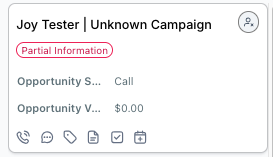
What should I do if a campaign is listed as “Unknown”?
Once you have spoken with the contact and determined their needs, you should update the campaign on the lead card.
Step 1: Confirm Contact Needs
Reach out to the contact to understand:
- What they are looking for
- How they would like to proceed (information vs visit)
Step 2: Open the Lead Card
Navigate to the lead card associated with the contact.
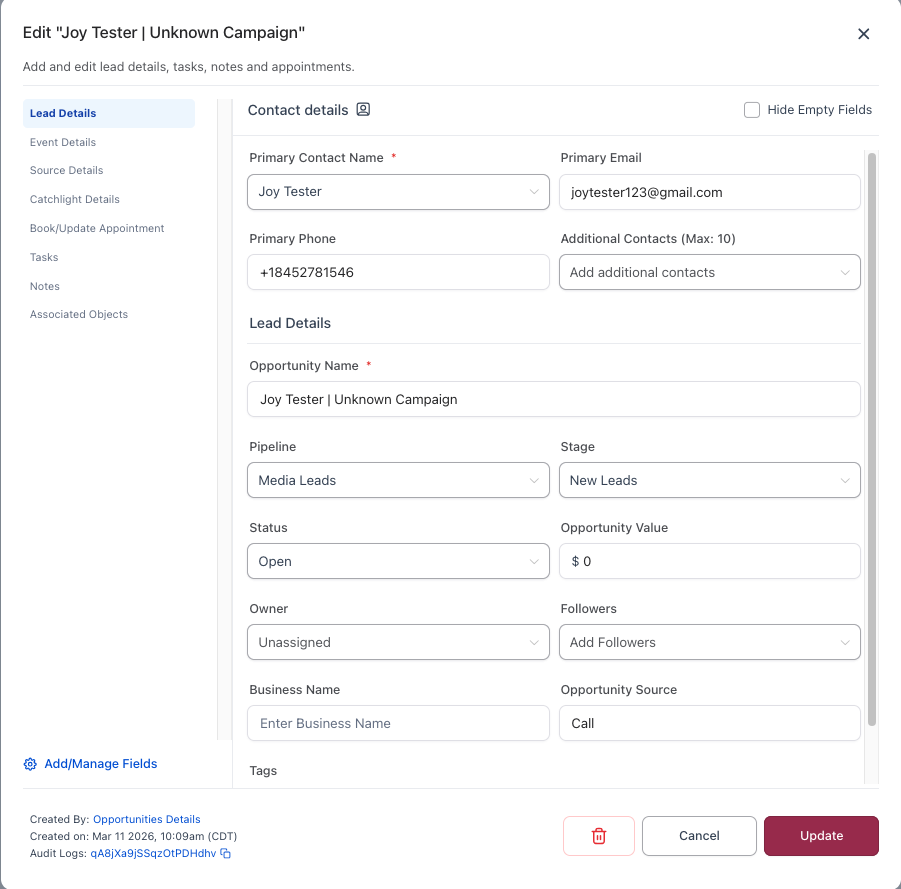
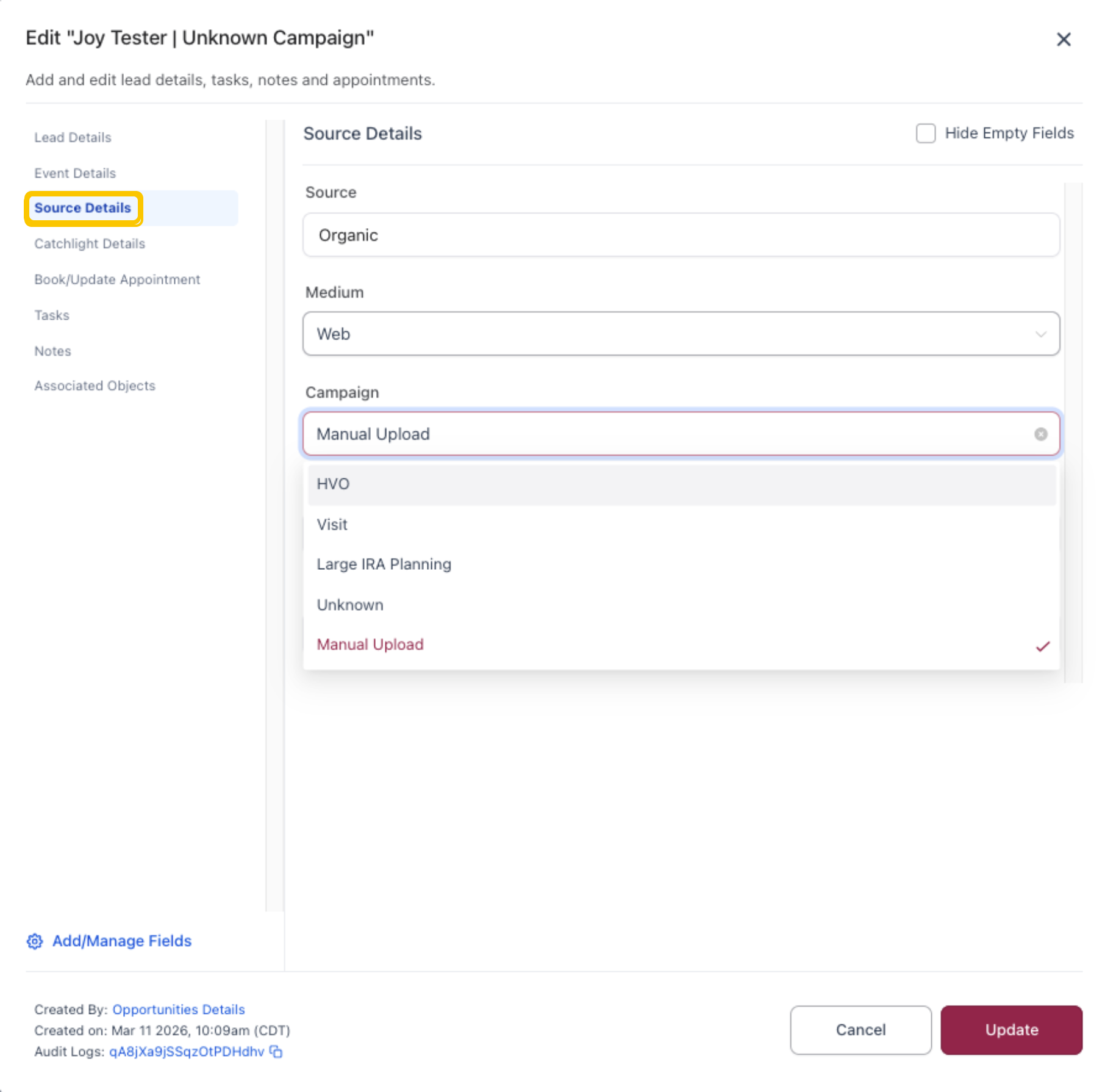
Step 3: Update the Campaign
Under Source Information, update the Campaign field:
- HVO → If sending landing pages
- The lead will receive an email linking to the landing page.
- Visit → If the contact has requested a visit
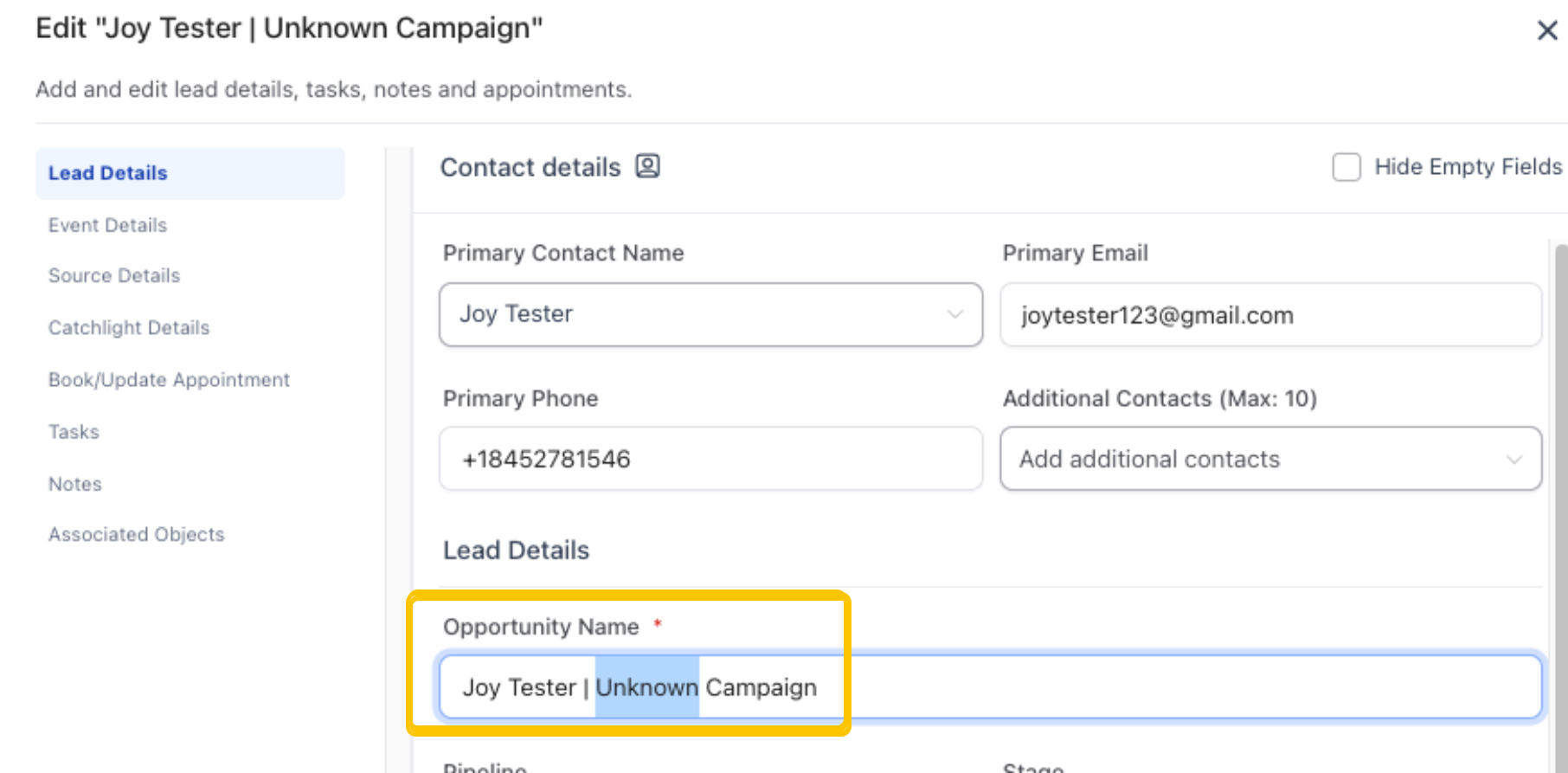
? Important:
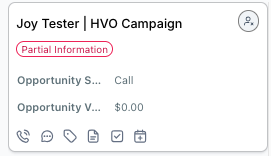
The Opportunity Name (formatted as Contact Name | Campaign) may still display “Unknown Campaign” even after you update the campaign field.
- This field is static and does not update automatically
- It is not used for reporting purposes
All reporting is based on the Source Details section, where you updated the campaign.
Do I need to update the Opportunity Name?
No. Updating the Opportunity Name is not required.
As long as the Campaign field under Source Details is correct, your reporting will be accurate.
Need Additional Help?
If you have questions about updating campaigns or lead information, please reach out to our team.
Was this article helpful?
That’s Great!
Thank you for your feedback
Sorry! We couldn't be helpful
Thank you for your feedback
Feedback sent
We appreciate your effort and will try to fix the article